

Amazon Levels Up Shoppable Videos: New Canva Templates & Bulk Upload Tools
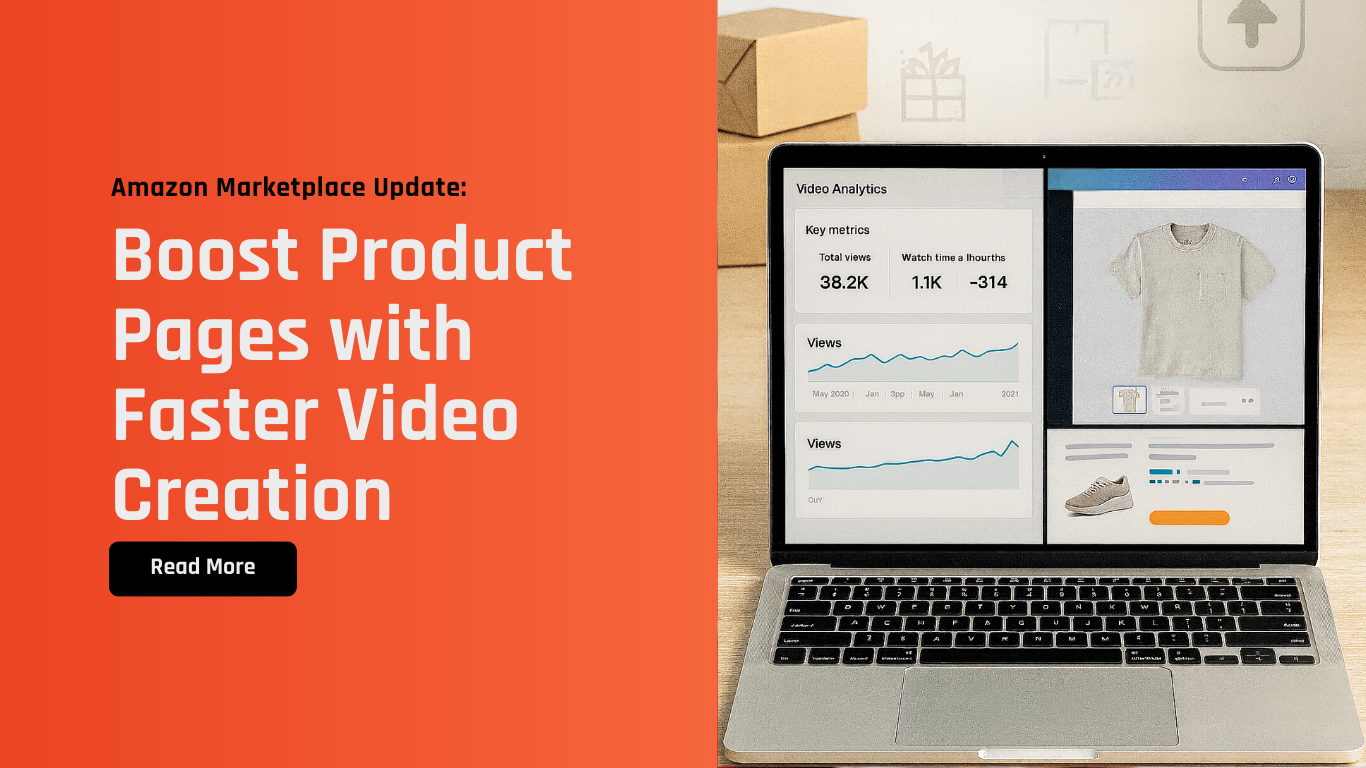
Amazon has announced powerful new tools to help sellers streamline how they create and manage Shoppable Videos. With enhanced on-platform analytics, new Amazon-specific Canva templates, and the ability to bulk-upload up to 15 videos at once, sellers can now elevate product visibility faster and more efficiently.
At Xtended.GH, we understand how critical strong content assets and smooth backend workflows are to your success—especially as customers increasingly rely on video to make buying decisions.
What’s New?
Amazon has rolled out three major improvements:
1. Enhanced Shoppable Video Performance Metrics
Inside the Upload and Manage Videos dashboard, sellers can now see advanced analytics such as:
Click-through rate (CTR)
Return rate
Attributed sales
Positive/negative performance trend lines
Cumulative metrics for all uploaded videos
These insights help sellers evaluate which videos are converting and which need improvement.
2. New Canva Video Templates Built for Amazon
Amazon now provides a set of Canva-approved templates optimized specifically for Shoppable Videos. These templates include:
Customizable fonts, colors, text
Mobile-friendly vertical orientations
Layouts for product overviews, how-to demos, and unboxing content
Sellers can access these templates directly in Canva under the Amazon Shoppable Videos collection.
3. Bulk Upload Up to 15 Shoppable Videos
You can now upload video assets more efficiently:
Go to Upload and Manage Videos
Select Upload videos
Drag & drop up to 15 video files at once
This cuts time spent on repetitive uploads and speeds up listing optimization.
Why This Update Matters
Shoppable Videos are one of the highest-impact assets on Amazon. Customers rely on them to understand:
Product size
Key features
How it works
Real-life usage
Listings with high-quality videos often see increased customer confidence and higher conversions.
With Amazon now providing templates + analytics + bulk uploads, sellers have fewer barriers to consistently producing better-performing videos.
Pro Tips from Xtended.GH
Use the new templates to maintain brand consistency—clean visuals drive trust.
Review CTR and sales trends weekly to refresh low-performing videos early.
Organize your media files properly before bulk uploading to avoid confusion.
Test different video styles (unboxing vs. how-to) to find what resonates.
How Xtended.GH Can Help
As a backend operations support partner, we help sellers stay organized, accurate, and efficient.
Here’s how we support you around this update:
Backend content management: Organizing your video assets, filenames, and metadata for smooth uploads.
Listing management support: Ensuring your Shoppable Videos are uploaded correctly and linked to the right ASINs.
Performance monitoring: Helping track listing consistency and backend health as you introduce new video assets.
Workflow optimization: Ensuring the processes behind uploading, tracking, and maintaining your content remain structured.
Let us handle the backend—so you can stay focused on creative strategy, brand growth, and sales.
Get in Touch
If you’re looking to optimize your Amazon listings, keep your backend organized, or streamline video-related workflows, our team is here to support you. Reach us at: sales@xtendedgh.com. Let’s ensure your marketplace operations stay efficient and ready for scale.
Final Thoughts
Amazon’s new Shoppable Video tools empower sellers to create higher-quality content faster—and understand which videos truly move the needle. With better analytics, easier creation, and bulk uploads, there’s no reason not to elevate your product pages.
Xtended.GH is here to support your backend operations every step of the way.