

Protect Your Account Health During the Holidays with Vacation Status
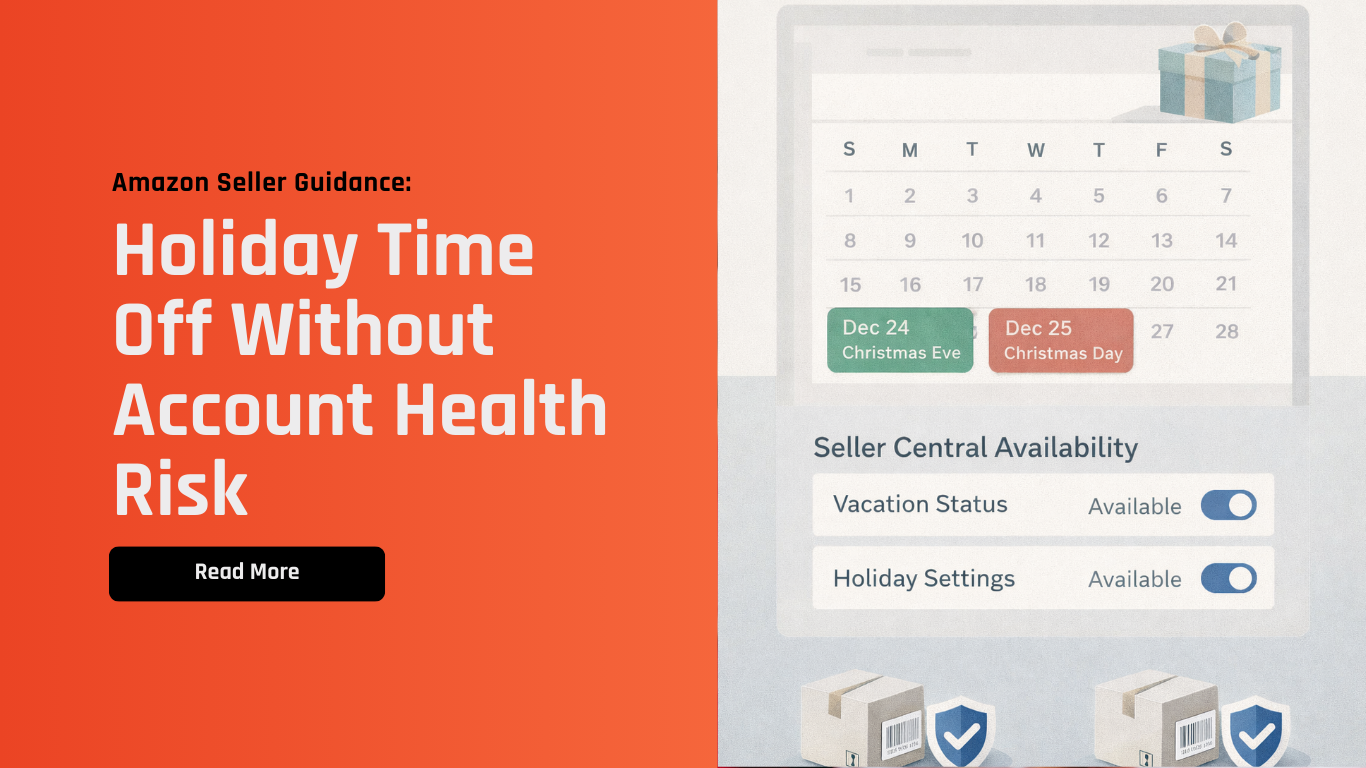
The holiday period is one of the most challenging times for Amazon sellers. Between increased order volume, potential staff time off, and shifting fulfillment capacity, many sellers struggle to balance operations with maintaining strong performance metrics.
To prevent avoidable disruptions to your Account Health Rating (AHR), it’s essential to strategically use Vacation Status and Seller-Set Holiday settings in Seller Central. These features help you align customer expectations with your actual fulfillment capacity - safeguarding key performance metrics while you focus on what matters most.
What’s New (What You Should Know)
While not a new policy announcement, this guidance reflects Amazon-recommended operational best practices for managing store availability during peak festive periods:
Vacation Status temporarily removes your seller-fulfilled listings from product detail pages and search results to avoid new orders when you’re unable to fulfill them.
Seller-Set Holidays allow you to keep your listings visible while telling Amazon you’re closed — delivery estimates adjust automatically.
Account Health Support remains available for urgent inquiries, but operates with limited holiday hours (closed on Dec 25 & Jan 1).
Shipping and fulfillment settings should be reviewed to match your actual capacity on holiday dates.
Proper setup can prevent avoidable account health issues without hurting listing visibility.
These settings are essential for sellers using merchant fulfillment (FBM) or those with limited holiday staffing.
Why This Matters
Account Health impacts your ability to win Buy Box, maintain search visibility, and avoid backend warnings. In the holiday context:
Missed orders hurt your Order Defect Rate and delivery metrics.
Late shipments lead to negative feedback and customer dissatisfaction.
Unfulfilled or backlogged orders disrupt inventory planning and seller trust.
Historical performance affects algorithmic visibility during future peak events.
Proactive setup prevents common operational bottlenecks during time off.
Using vacation and holiday settings isn’t just a compliance task - it’s a strategic risk mitigation practice.
Pro Tips from Xtended.GH
Segment availability based on fulfillment capacity: Use Vacation Status for full shutdowns; use Seller-Set Holidays when operating with limited capacity.
Plan ahead of time: Set holiday schedules at least 1–2 weeks before your planned closure.
Verify shipping templates: Make sure your handling times and cutoff settings match your true capabilities.
Review open orders and delivery commitments: Clear any pending actions before you activate downtime settings.
Monitor account health post-holiday: Check metrics immediately after reopening to catch early warning signs.
How Xtended.GH Can Help
At Xtended.GH, we specialize in backend operations support and seller readiness - especially around peak periods and planned downtimes.
We can help you:
Configure vacation and holiday settings correctly to match your operational capacity.
Audit shipping templates and handling times for consistency with seller-set holidays.
Review account health metrics to identify patterns that may trigger warnings during closures.
Ensure catalog and listing status aligns with availability and fulfillment commitments.
Support backend readiness planning so time off doesn’t translate into later performance issues.
Get in Touch
Planning time off this holiday season? Let our team help you optimize your backend availability settings and protect your account health.
Selling online? Book an appointment - we’ll handle the backend while you grow your brand.
Final Thoughts
Holiday downtime shouldn’t come at the cost of account health. With thoughtful planning, aligned settings, and the right operational safeguards, you can enjoy time off while maintaining strong performance metrics.